
The Probox2 (sold by W2COMP) is a recent entry in the Android TV (or Android Stick PC) category. These devices fit somewhere between the size of a fat USB memory stick and a deck of cards and are full Android devices. They usually have DVI video-out, one or more USB ports, WiFi, and sometimes wired Ethernet ports, but they don’t have touch displays. The idea being that you use these devices as media/entertainment hubs for your TV, or as really inexpensive PC devices. Most of these products don’t sport well-known brand; they hail directly from several Asian factories or through distributors. This yields low prices for a lot of power, but it also means less traditional support and the potential for a lot of do-it-yourself work digging up information or getting updates. The Probox2 boasts class-leading specs for a device in this class. Let’s see how well it delivers on those specs.
Inside the Box
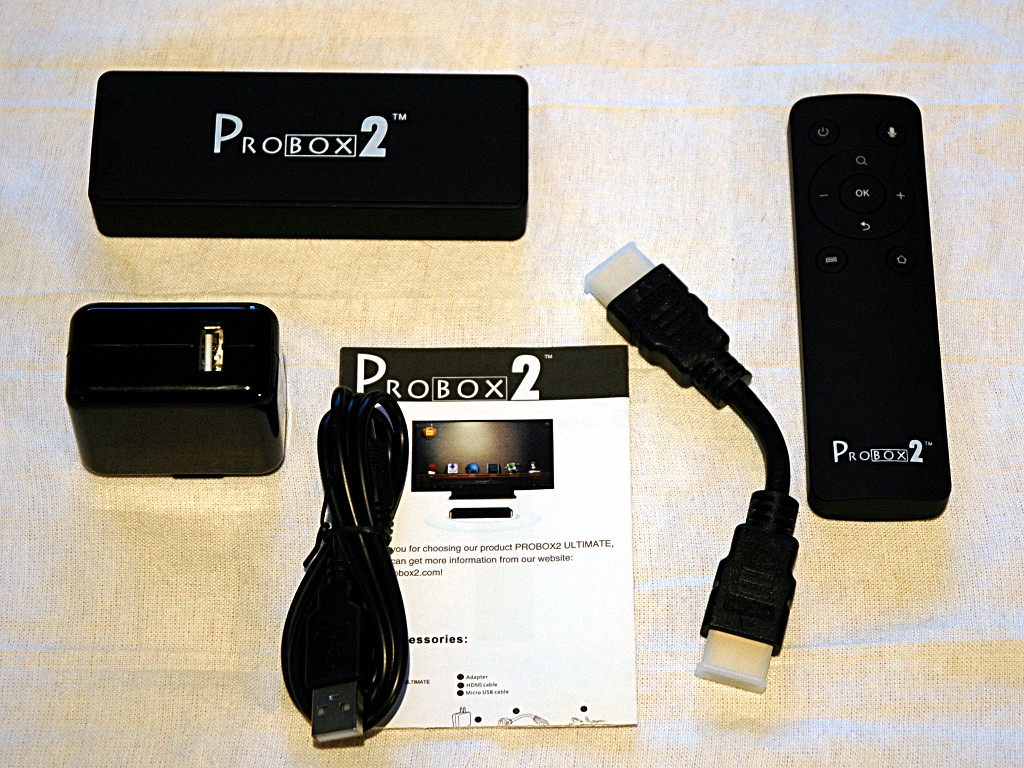
The Probox2 comes bundled with a beefy USB wall wart, a USB power cable, a really short HDMI cable, and an RF remote. It also includes a setup/user guide. The intent (clearly!) is that you’ll hang the Probox2 off the back off your TV, swinging from the HDMI cable. The USB/AC adapter would power it, and you’d drive via the remote.
The Hardware
The Probox2 box itself comes in at 115 mm x 40 mm x 18 mm (or about 4.5 x 1.6 x .7 inches) and weighs… practically nothing. Inside the black monolith is a Rockchip RK3066 CPU – that’s a Cortex A9 Dual Core arm CPU, running at 1.6GHz. It also has a Quad Core Mali 400 GPU for graphics, and can drive the HDMI out at 720P, 1080i/1080P, and a couple SD resolutions. It has 1GB of DDR3 RAM, and 4GB of flash store chopped up as 2GB internal, and 2GB storage (working out to 1GB for your apps, and about 1.6GB of free storage on /mnt/sdcard in Android.) It also has WiFi 802.11 b/g/n (2.4ghz only) and Bluetooth 2.0. This is a pretty powerful stick of Android hardware.
The Probox2 is also branded as the Uhost2 (same box, different lettering) – this branding name is more useful if you’re searching the internet for an active modding/tweaking/hacking community.
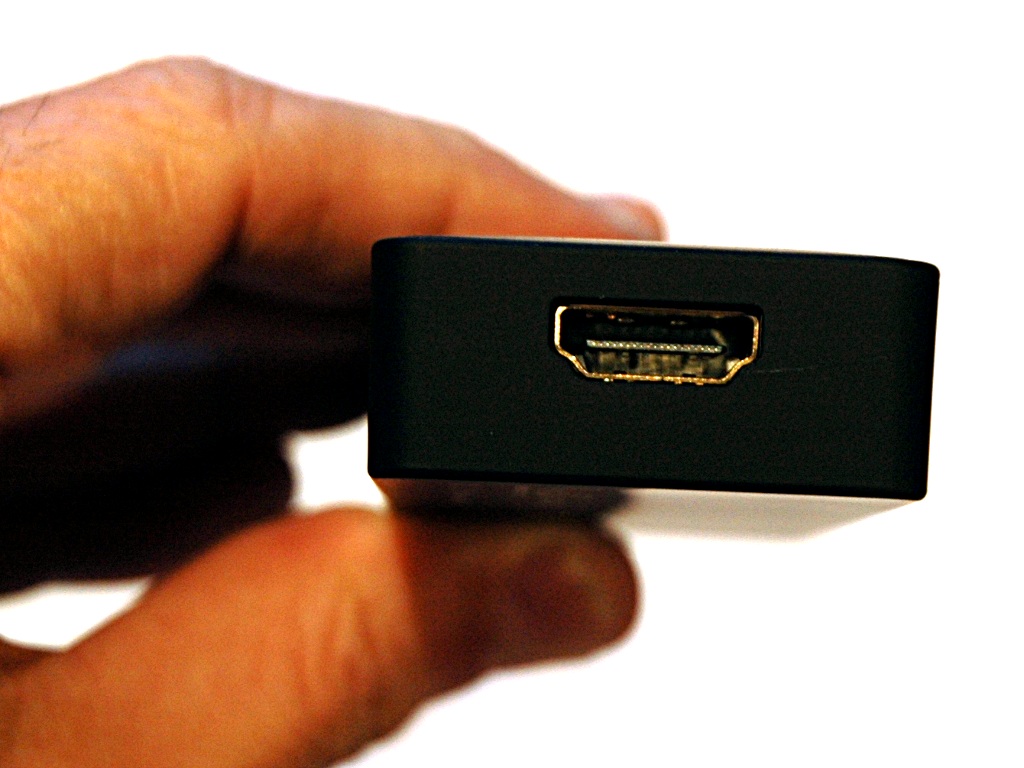
On one end is the HDMI 1.4a port – this is for both the display and audio, no other ports for audio are provided.
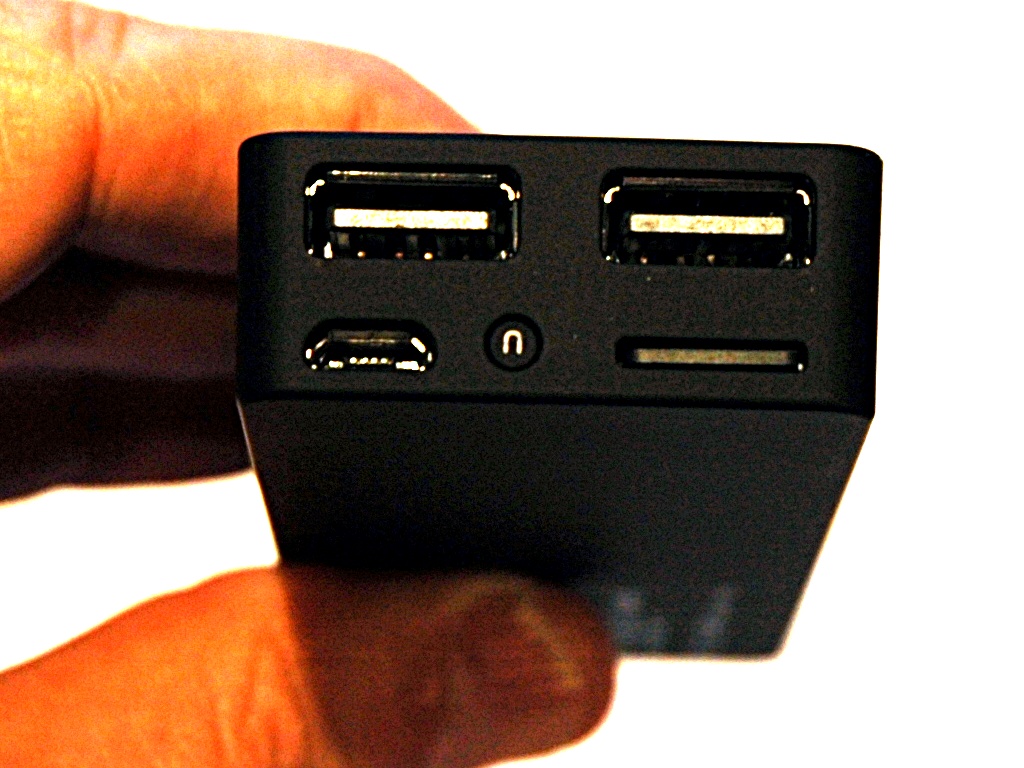
The other end has a pair of USB 2.0 ports for USB devices (keyboards, mice, and webcams) and the microUSB port, which can be used for both power and as an active USB port – so for example, some powered hubs can be used and power the Probox2 simultaneously. The “u” button puts the Probox2 into USB disk mode, turning it into a really big USB stick when plugged into a PC/Mac. A MicroSD slot rounds out the expansion options. This slot supports cards up to 32GB in size.
The bottom of the Probox2 has a blue LED light to indicate it is powered on.
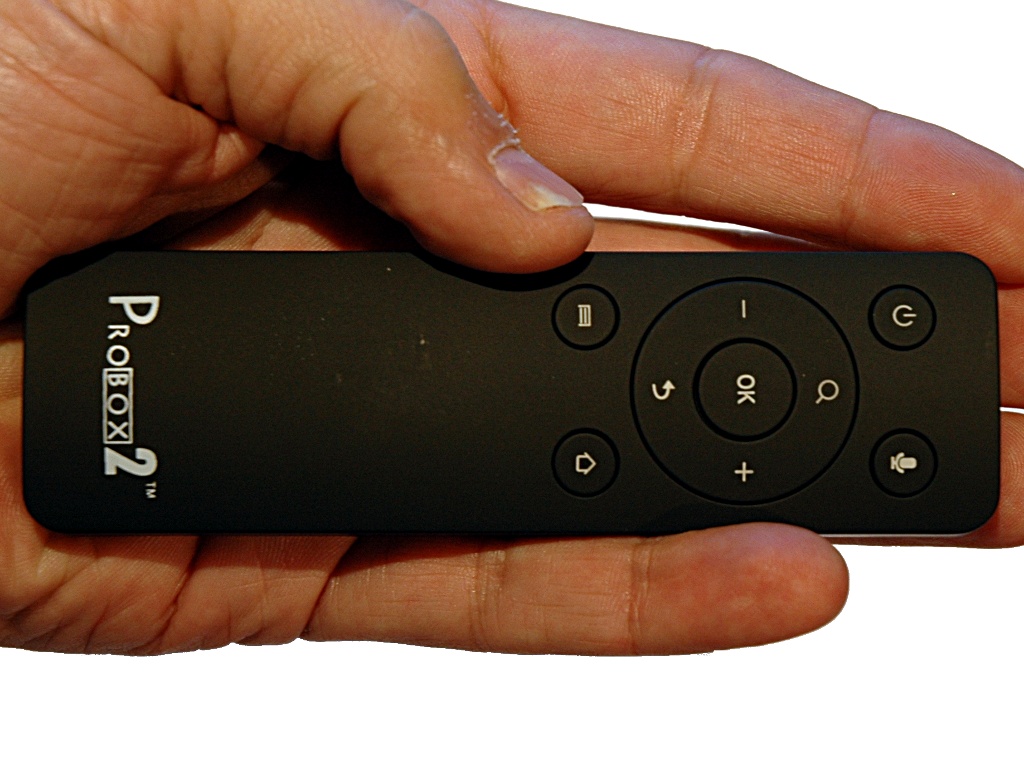
The RF remote is almost the same dimensions as the Probox2 itself at 120 mm x 35 mm x 14 mm. It takes a pair of AAA batteries, and probably weighs less than those batteries. It’s got a gyroscope (ie, it’s an “air mouse”) and a microphone, along with the minimum keys you’d need to drive Android apps. It lacks a keyboard, so you’ll be clicking on the onscreen keyboard with the mouse, or using an RF/Wireless keyboard you supply. The Power button has a backlight showing you that the mouse is awake. It can power on/off the Probox2. A short press puts the Probox2 to sleep, while a long press brings up a sleep/shutdown menu on the Probox2.
Bundled Software
Out of the box, and as of this review, the Probox2 still runs Android ICS (4.0.4). An update to JellyBean (4.2) is due out soon. During the review period, a firmware update was released – upgrading was as easy as copying the single upgrade file onto a USB stick (or SD card) and popping it into the Probox2. Aside from that, this is a full featured Android device, with full support for the Google app store/market, and setup is identical to any other Android phone/tablet. The bundled launcher is geared towards a sofa-experience, and there is an included media player.
Android TV
I loaded it up with Netflix, the Vulkano app (see the Vulkano review), and even the beta XBMC, which would be a typical mix of apps for an Android TV.
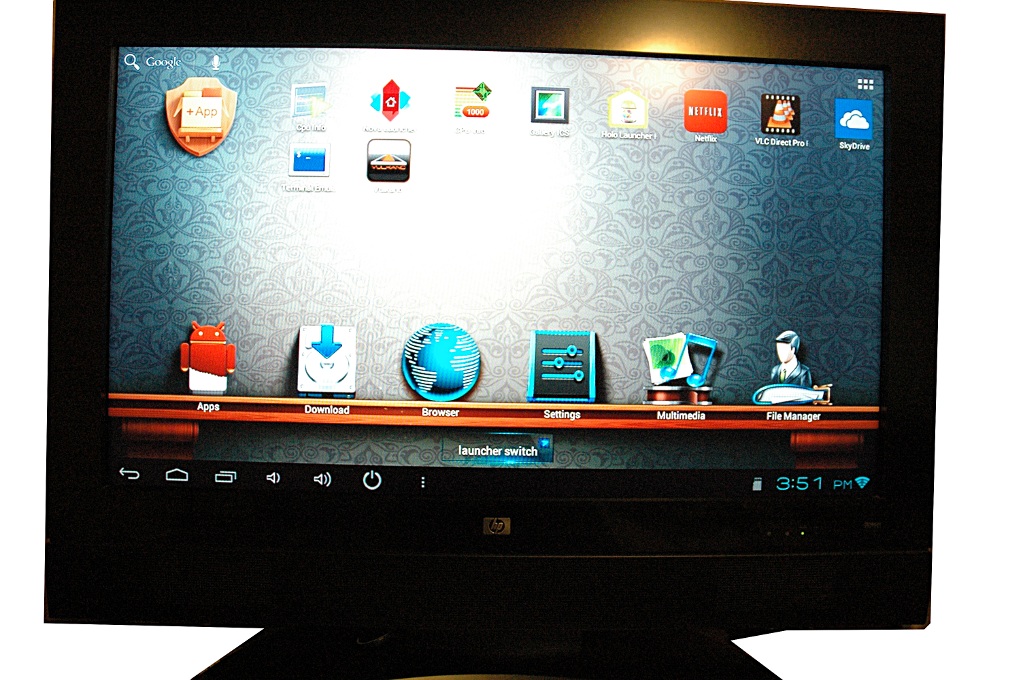
That is the desktop running on a 720p 32″ LCD HD TV. The display is quite crisp, and the audio comes in via the HDMI cable (stereo for Android, supports DTS decoding as well).
Talking about using the air-mouse isn’t as helpful as showing you the experience, so here are a pair of videos showing launching/controlling the Vulkano and Netflix Apps.
Video 1 – air mouse + Vulkano HD TV app
Video 2 – air mouse + Netflix HD
From these videos, you can see a couple of important things about the Probox2. It’s a capable media player, handling 3mb media streams over WiFi with ease (the Intellinet Wireless 802.11n router is providing the WiFi), and the air mouse is quite easy to use for basic media remote control.
It’s Android ICS
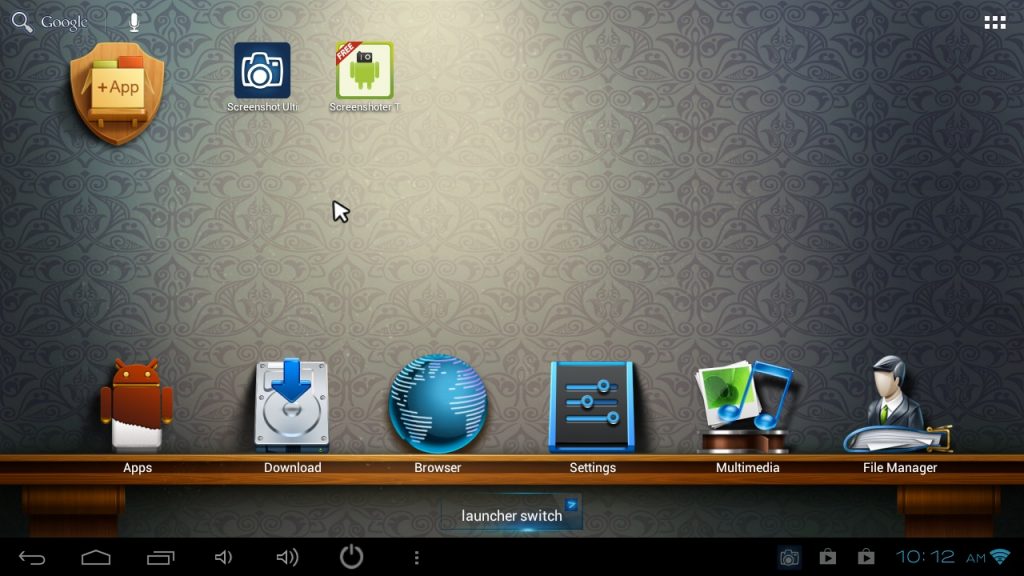
I used a screenshot app from the Play store to capture some detailed screenshots. First, the default desktop:
Next, a shot of the internal storage after installing several apps. Flash is installed out of the box, and Flash websites work well on the Probox2.

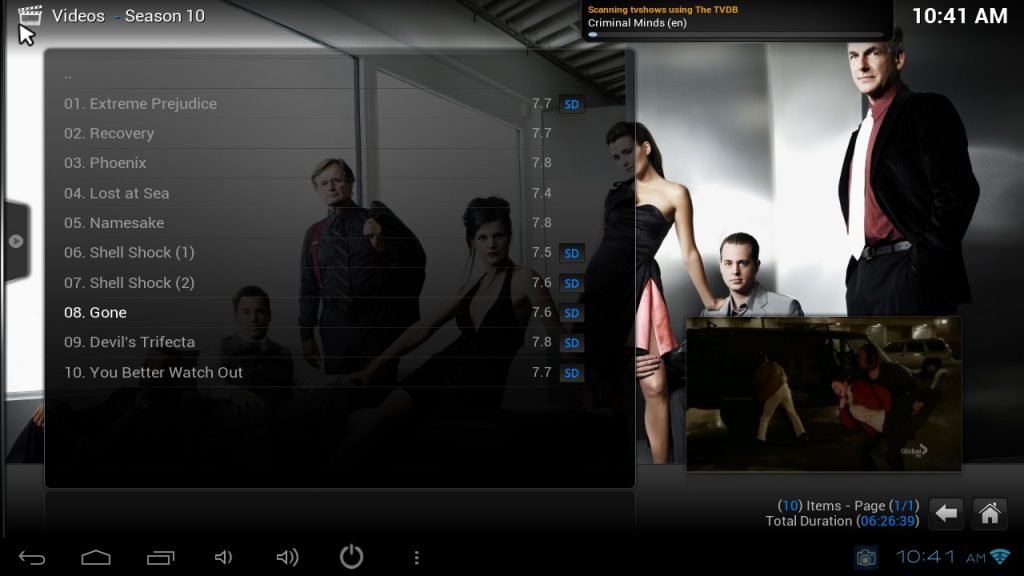
Here’s a shot of XBMC, showing content from a windows share off the network:
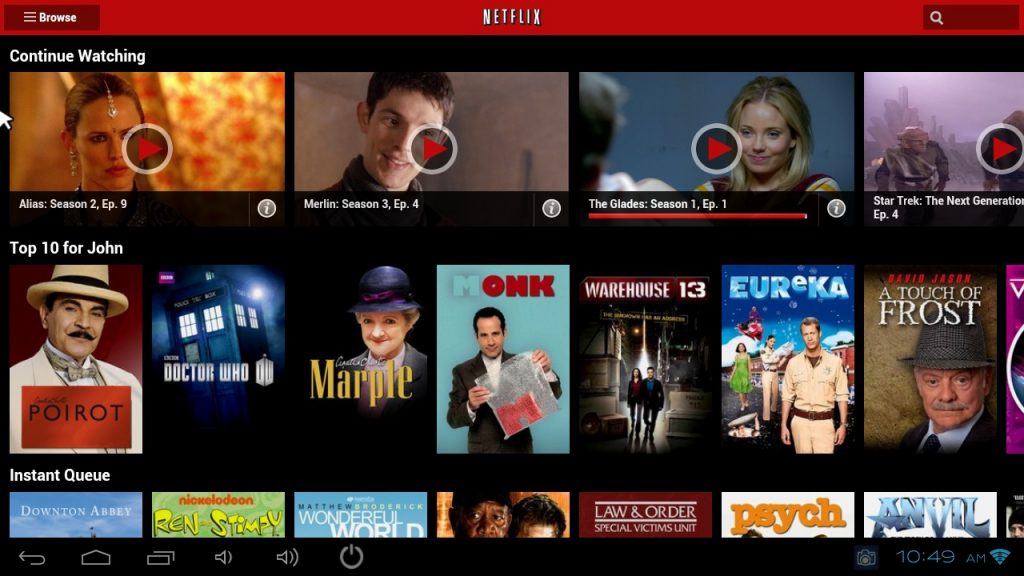
And my Netflix watch-it-now queue – yes, I have several different people watching Netflix at my house…
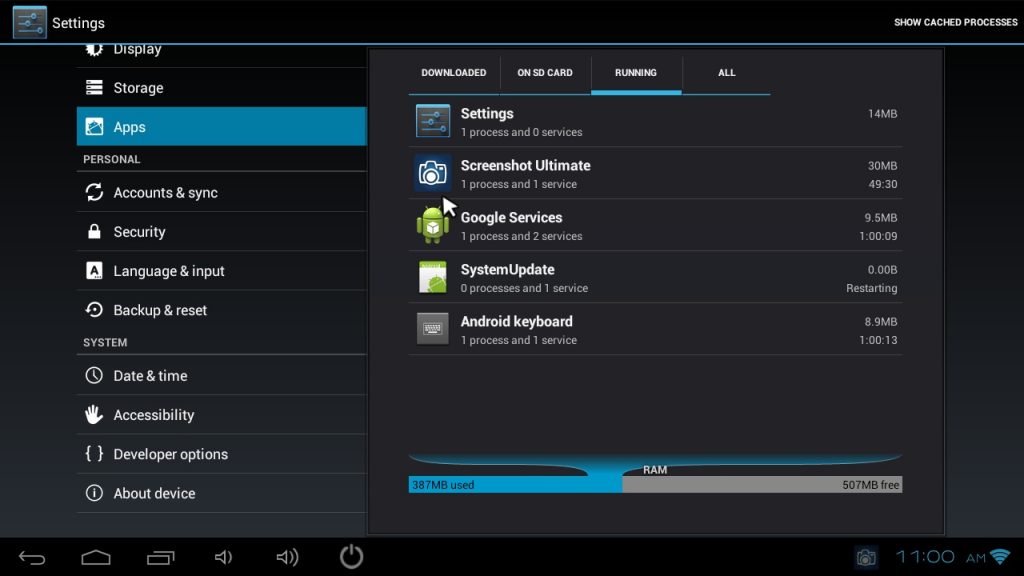
This shot shows the RAM footprint of the Probox2 – there is a reasonable amount of free memory with ICS:
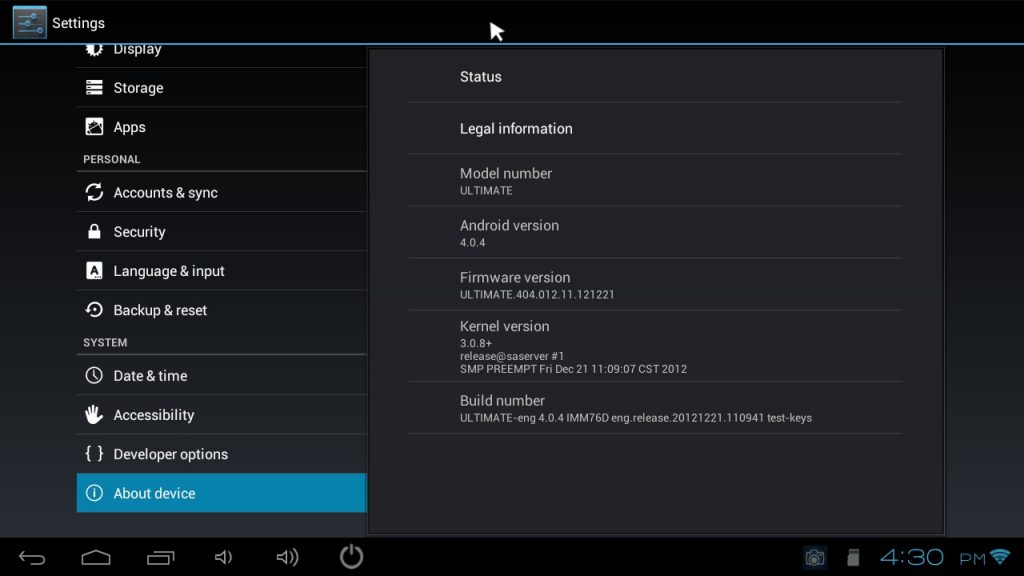
Here’s the before and after upgrade Firmware/OS version information. The latest firmware added support for the air-mouse and is already “rooted” for you:

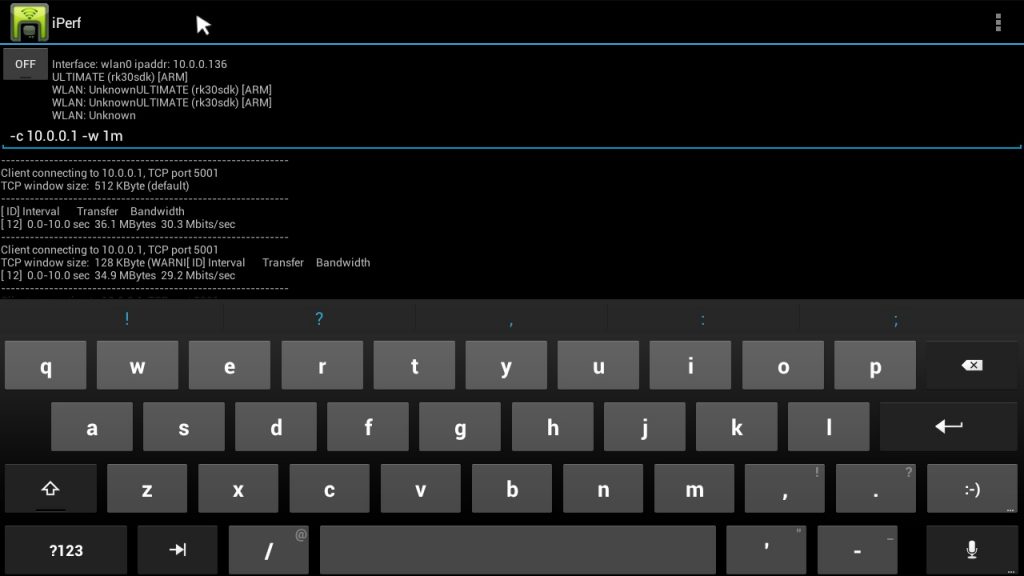
And finally, this is a local network speed test over the WiFi link. It shows a respectable but hardly earth-shattering 30mbit throughput, typical of a 20mhz (single channel/single antenna) 802.11n connection. Given the size of the Probox2, the fact that it delivers solid if not stellar WiFi is impressive.
I used the Probox2 with a USB mouse and keyboard, driving a monitor with a HDMI to DVI adapter, and it performed quite well as a silent “PC” – the only downside being the very limited display resolution choices. Still, coupled with a 1080P display, this would make a fine internet appliance or light-duty computer, with full compatibility with all the apps available for Android.
Performance
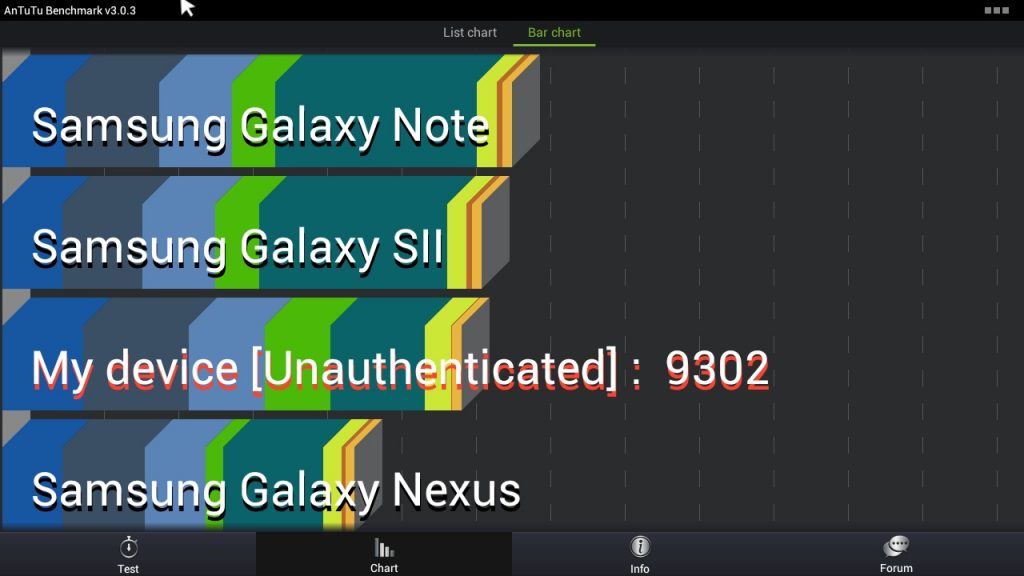
The Probox2 delivers solid performance that matches devices with similar hardware. Benchmarking with AnTuTu gives an overall score that puts the Probox2 right in the neighbourhood of the Galaxy Note and SII, which are also dual-core Cortex a9 devices with Mali GPUs. In other words, the device performs as it should, from a hardware perspective.
In actual use, the Probox2 delivers smooth responsiveness in the UI – apps load quickly and run smoothly. Android devices still seem to struggle to uniformly support hardware-accelerated video decoding, and that remains true with the Probox2. Netflix was able to play HD content smoothly with excellent audio sync, and I was able to use the MX player app to playback local HD and SD content (at least up to 720p) consistently without sync or video issues using software decoding. 1080p and YouTube videos (for some reason) gave me (and based on comments on several internet forums, several other people) more trouble maintaining audio sync and playing without pauses. There are workarounds, but the best hope is that the upcoming Jelly Bean update will enable full support for hardware accelerated a/v decoding/playback. This is by no means a fatal flaw, but it is something that may (depending on your usage) require some configuration/software tweaking to get right, depending on what you’re trying to do with it.
Final Impressions
For $90, you really can’t beat the overall capabilities of the Probox2. It’s actually tiny enough to toss into a bag and bring with you to use at a hotel, it’s dead simple to attach and use as a media device, and it delivers solid Android performance and compatibility in line with its hardware specifications. The supplied pair of USB ports and SD card slot allow it to be transformed into a capable thin client/light duty PC, to boot. The issues I outlined above with hardware accelerated decoding are by no means unique to the Probox2 and can be mitigated until addressed with firmware updates.
Product Information
| Price: | $89.99 |
| Manufacturer: | Probox2 |
| Retailer: | W2COMP |
| Requirements: |
|
| Pros: |
|
| Cons: |
|
Filed in categories: Android related, Audio, Video, TV Gear, Reviews
Tagged: Android TV
Probox2 Mini Android PC review originally appeared on The Gadgeteer on February 3, 2013 at 11:00 am.
Source: http://the-gadgeteer.com/2013/02/03/probox2-mini-android-pc-review/

Congratulation for the great post. Those who come to read your article will find lots of helpful and informative tips.
ReplyDeleteToshiba - Satellite 15.6" Laptop - 4GB Memory - 500GB Hard Drive - Satin Black (C55DA5240NR)
Toshiba - Satellite 17.3" Laptop - 6GB Memory - 750GB Hard Drive - Mercury Silver (L75DA7268NR)
smm panel
ReplyDeleteSMM PANEL
iş ilanları
İNSTAGRAM TAKİPÇİ SATIN AL
hirdavatci
beyazesyateknikservisi.com.tr
Servis
tiktok jeton hilesi